How to Create a Custom Nation in EU4: Point Budget, Ideas, and Location
Custom nations are one of EU4’s most underrated features. You can design your own country from scratch. Pick its location, culture, government, ideas, and even its flag. It’s a great way to create your own challenge, roleplay a fictional nation, or just mess around with overpowered combinations. Here’s everything you need to know.
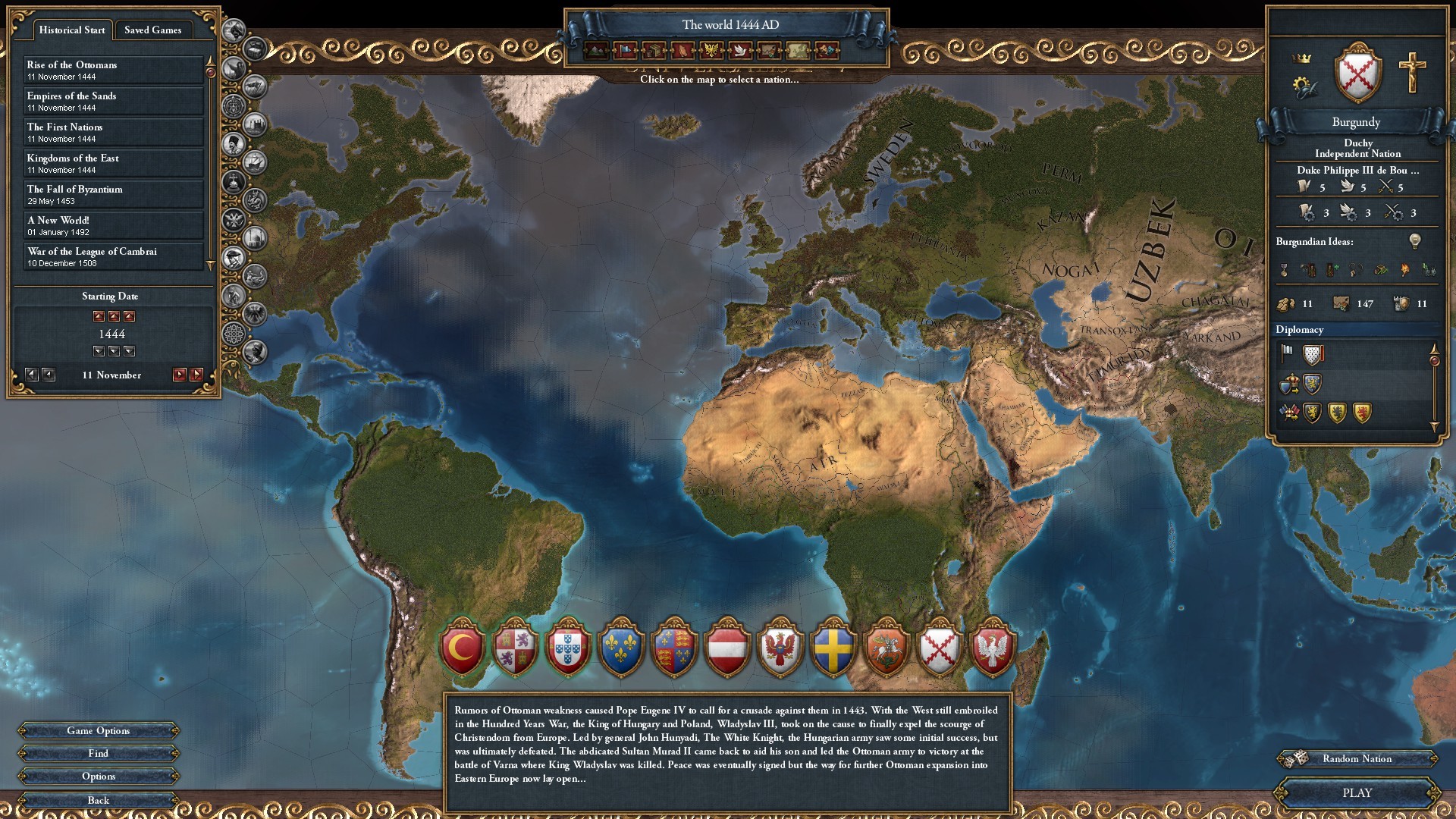
Source: Paradox Interactive / Europa Universalis IV official screenshots Custom nations interact heavily with government reforms and the estates and crownland system, so read those guides to design with full knowledge.
Getting Started
When you start a new game, you’ll see the option to create a custom nation in the nation selection screen. It’s the button that looks like a blank flag. Click it and you’re in the editor.
The first thing you’ll notice is that everything costs points. You have a budget (the default is 200 points, but you can adjust it in the game settings before you start), and every choice you make costs points: location, ideas, government, ruler. The better the bonus, the more it costs. This is the core balancing mechanic of custom nations.
Choosing Your Location
Your starting location determines a lot. You can place your nation anywhere on the map, and the game will automatically generate your borders based on the provinces you select.
A few things to think about:
- Development. Starting in a high-development region (like Europe or India) gives you a stronger economy but also puts you next to powerful neighbors. Starting in a low-development region (like Siberia or the Americas) is safer but slower.
- Trade. If you want to play a trade-focused game, start near a good trade node. The English Channel, Genoa, and Venice are the classic money nodes.
- Expansion room. Think about where you can expand. Starting in a crowded region means fighting for every province. Starting in a sparsely populated area gives you room to grow without early wars.
Spending Your Points
The point system is where custom nations get interesting. Here’s what you’re spending on:
Ideas and Traditions. This is the most important part. You pick a tradition (your first idea bonus) and then a set of ideas. The costs vary based on how powerful the bonus is. For example, +10% discipline is expensive, while +1 tolerance of heretics is cheap. You can pick up to 7 ideas, and the cost increases with each one.
Government and Religion. Your government type and religion are free choices, but they affect your gameplay significantly. A republic plays differently from a monarchy, and your religion determines your interactions with neighbors.
Ruler and Heir. You can customize your ruler’s stats, and better stats cost more points. A 6/6/6 ruler is expensive but gives you a massive early-game advantage. You can also pick traits and decide whether to have an heir.
Culture and Technology Group. Your culture determines your national bonuses and who considers you an ally or enemy. Your technology group affects your unit types and tech costs. Western tech is the most expensive but gives the best units.
The Point Budget
The default 200 points is a good starting point. It forces you to make trade-offs, you can’t have everything. Here are some strategies:
If you want a chill, tall playthrough, spend your points on development-boosting ideas and a strong ruler. Play tall, develop your provinces, and don’t expand much.
If you’d rather conquer the world, spend your points on military ideas like discipline, morale, and combat ability. Start small but strong, and expand aggressively. Your early armies will be terrifying.
If you want to build a trade empire, spend your points on trade ideas and start in a good trade node. Build a trade empire and let the money roll in.
The Point Cap
If you want to go wild, you can increase the point cap in the game settings before starting. The maximum is 800 points, which lets you create a truly overpowered nation. This is fun for a single-player power fantasy, but it can make the game boring if you go too far. A 400-point nation is a good sweet spot for a challenging but powerful custom run.
Tips and Tricks
- Flag design. The flag editor is surprisingly deep. You can layer symbols, change colors, and create something that actually looks good. Take a few minutes with it. You’ll be looking at that flag for the whole campaign.
- Name and color. Your nation’s name and map color are also customizable. Pick something you’ll enjoy seeing on the map.
- Achievements. Custom nations can earn achievements, but there are a few that specifically require custom nations (like “For Odin!” which requires starting as a Norse custom nation). Check the achievement list if you’re hunting.
- Multiplayer. Custom nations work in multiplayer, which can lead to some very silly games. Just make sure everyone agrees on the point cap first.
Custom nations are a fantastic way to experience EU4 in a completely different way. Whether you want to roleplay a fictional empire, create a challenging start, or just build an overpowered monster for fun, the custom nation editor gives you the tools. Start with the default 200 points to learn the system, then experiment with higher caps once you know what you’re doing.